 BAMSIREV
ENGINE SOUND · RACING
Formula V12 race engine sound for your Tesla
The 90s race car scream: a V12 that spins to 18,000 rpm with a sound like nothing else.
Hear it uses your device's speaker. In the car, open bamsirev.com in the browser for the real thing.
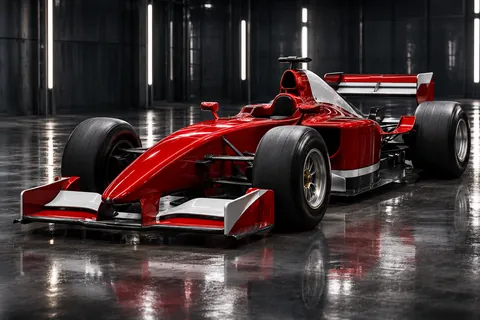
What it sounds like
Before V10s took over, race cars ran V12s, and many fans still say they sounded the best of all: a high, clean, almost musical scream at the top of every gear.
Its sister engine is the Formula V10; try both and pick your era.
At a glance
- Engine
- Race V12
- Redline
- 18,000 rpm
- Gears on the dash
- 7
- Drag race, perfect run
- 8.60 s over a quarter mile
Tip RACE mode, and listen for the scream right before each upshift.
Play it in your Tesla
- Open bamsirev.com in your Tesla's browser. No app, no account.
- Pick the Formula V12 in the garage below the dash.
- Press START. In TRACK mode it follows your real speed; parked, use the on-screen pedals or try a drag race.
Questions
- How do I get the Formula V12 sound in my Tesla?
- Open bamsirev.com in your Tesla's browser, pick the Formula V12 in the garage and press START. The sound follows your real speed through the car's own speakers. There is nothing to install and no account.
- Can people outside the car hear it?
- No. It plays through the speakers inside the car, like music. Bamsirev does not use the external speaker.
- Is it a recording of the real car?
- No. Every sound on Bamsirev is our own. The Formula V12 sound is made with a simulation of that kind of engine, so it changes smoothly with every rpm instead of looping a clip. The brand name only says which engine it is inspired by.
- Is it free?
- Every engine is free for 5 minutes every day. Pro removes the time limit, from $2.99 a month or once with Legend.
More engine sounds
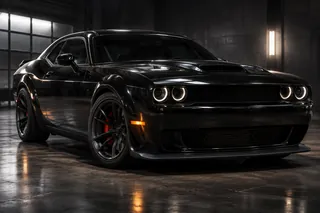
DODGEChallenger HellcatSupercharged V8 with blower whine
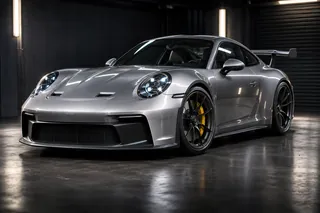
PORSCHE911 GT3High-revving flat-six, 9k redline
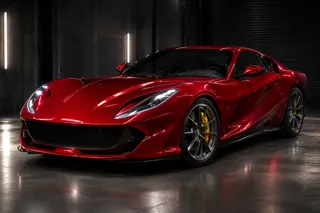
FERRARI812 SuperfastBig V12 with a sky-high scream
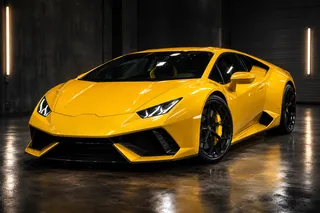
LAMBORGHINIHuracánNaturally aspirated V10 wail
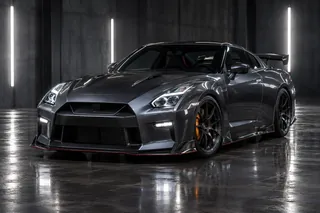
NISSANGT-RTwin-turbo V6, spool and blow-off
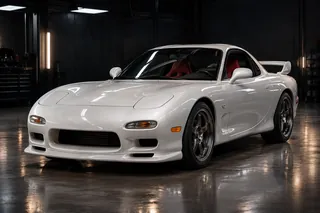
MAZDARX-7Twin-rotor buzz that loves revs
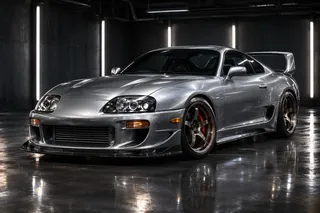
TOYOTASupra Mk4Turbo inline-six, silky with a big rush
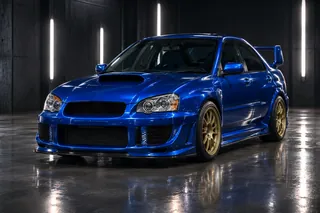
SUBARUImpreza WRX STIBoxer four with that rally burble
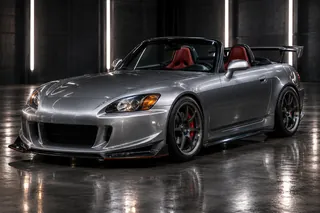
HONDAS2000High-revving four that screams to 9k
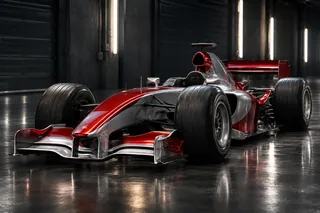
RACINGFormula V10Mid-2000s race car howl, 18k redline
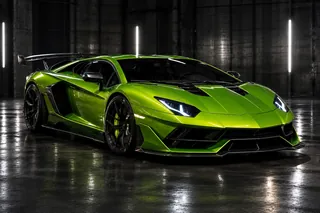
LAMBORGHINIAventador SVJRaw V12 that shrieks to 8,700
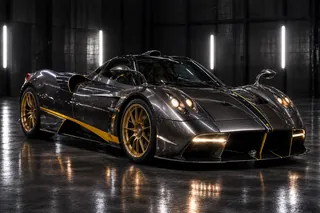
PAGANIHuayraTwin-turbo V12, whistle and flutter
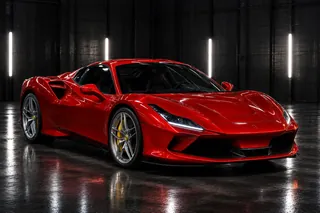
FERRARIF8 TributoTwin-turbo flat-plane V8 with blow-off
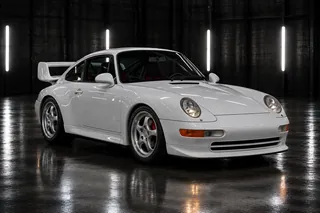
PORSCHE911 Carrera RS (993)Air-cooled flat-six with a hard, metallic rasp
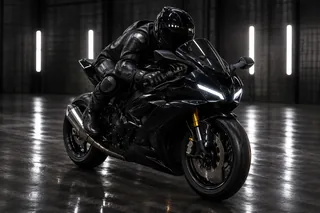
SUPERBIKESuperbike 1000Inline-four that shrieks to 14,000 rpm
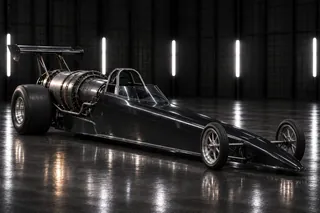
BAMSIREVJet CarA jet turbine that spools up and roars, with afterburner
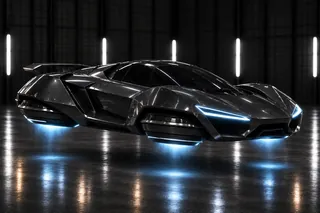
BAMSIREVHover CarSci-fi hover drive that thrums and glides
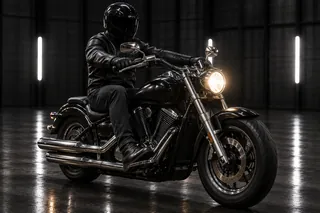
CRUISERV-Twin CruiserBig 45° V-twin with the potato-potato idle
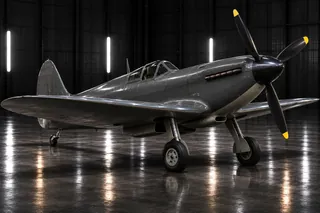
WARBIRDWarbird V12A 27-litre fighter-plane V12 that coughs to life and drones
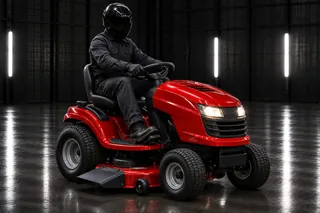
GARDENRide-On MowerA twin-cylinder lawnmower engine. Yes, really.
Car brands named here are trademarks of their owners. Bamsirev is not affiliated with or endorsed by them or by Tesla. A brand name only says which engine a sound is inspired by; every sound is our own.